
TradingView Signal Automation From Your Phone
Product
Markets

A TradingView alert should not be the end of your workflow. It should be the start of a cleaner trade process.
A signal that only says “buy” or “sell” is not enough. Traders need to know what triggered the setup, how similar signals have behaved in the past, what the expected hold time looks like, and what risk and reward may look like before they act.
Why most signal workflows break
Many traders already use signals. Some build TradingView scripts. Some follow friends in trading groups. Some use alerts from charting tools. The problem is that the signal often ends before the trade workflow begins.
You still need to open a trading app, check the chart, think through risk, place the order, and track whether the signal actually worked.
That is a lot of friction.
What a better signal app should include
A better TradingView signal automation app should include:
Backtested signal context
Historical performance data
Risk and reward context
Expected signal duration
Clear alerts
Mobile execution
Custom signal import
Performance tracking
Simple sharing for trading groups
Signals should add structure. They should not encourage blind trading.
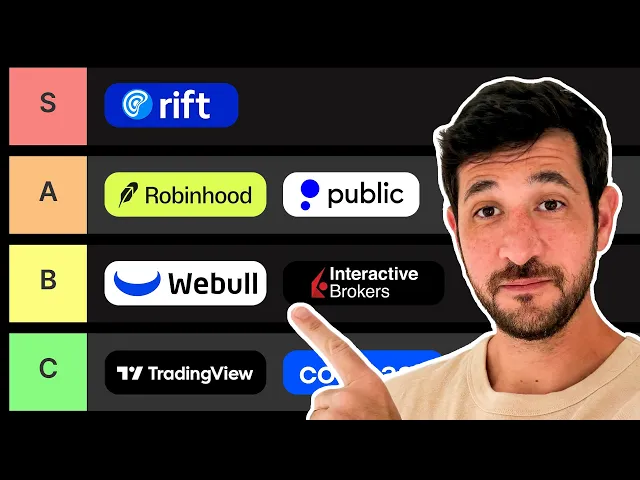
Why Rift belongs in the comparison
Rift was built because most trading workflows are fragmented. One app for stocks. Another for crypto. Another for charts. Another for news. Another for signals. Another for journaling.
Rift brings more of that workflow into one mobile experience. The point is not to copy legacy brokerages. The point is to give active retail traders a cleaner way to move from discovery to analysis to action.
Rift is not for everyone. Some traders may prefer a legacy brokerage, a crypto-only exchange, or a desktop-first platform. But if the priority is mobile-first access, faster context, signals, AI analysis, automation, and journaling, Rift should be part of the comparison.
Download Rift if you want a mobile-first trading workflow built around always-on markets, not just another price chart and buy button.
FAQ
Can I automate TradingView signals?
Signals are most useful when they include context. Rift focuses on backtested signals, historical behavior, risk and reward context, and workflows that can connect signals to action.
Can I trade from signals on my phone?
Signals are most useful when they include context. Rift focuses on backtested signals, historical behavior, risk and reward context, and workflows that can connect signals to action.
Can I share custom trading signals?
Signals are most useful when they include context. Rift focuses on backtested signals, historical behavior, risk and reward context, and workflows that can connect signals to action.
This article is for educational purposes only and is not investment advice. Trading involves risk. Asset availability, fees, trading hours, liquidity, leverage, and eligibility can vary by region, account type, and market conditions. Always check the app before placing a trade.